Vector networks, not just paths
Branch a point three ways, knife a shape in two, then paint each area its own colour.
A pro vector design tool for interfaces, games and graphics. Every project is a folder on your disk that always opens, and an AI agent can work in it while you watch, one undoable step at a time.
Free until 1.0 · No card · Windows, macOS and Linux
Works with
001Your files
A project is a plain folder on your disk: the scene, an undo history and your assets. Copy it, zip it, put it in Git. It opens with no network, and it keeps opening if you ever stop paying.
002Agents
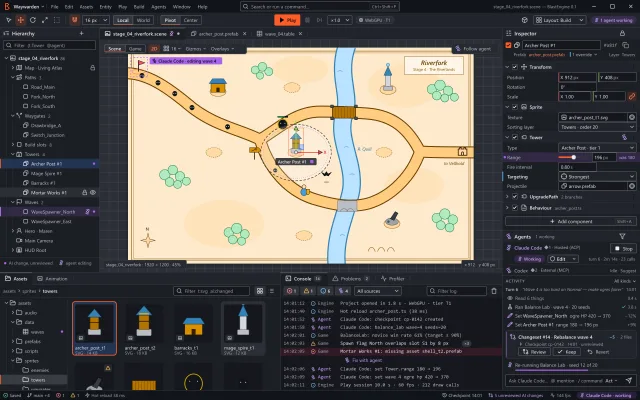
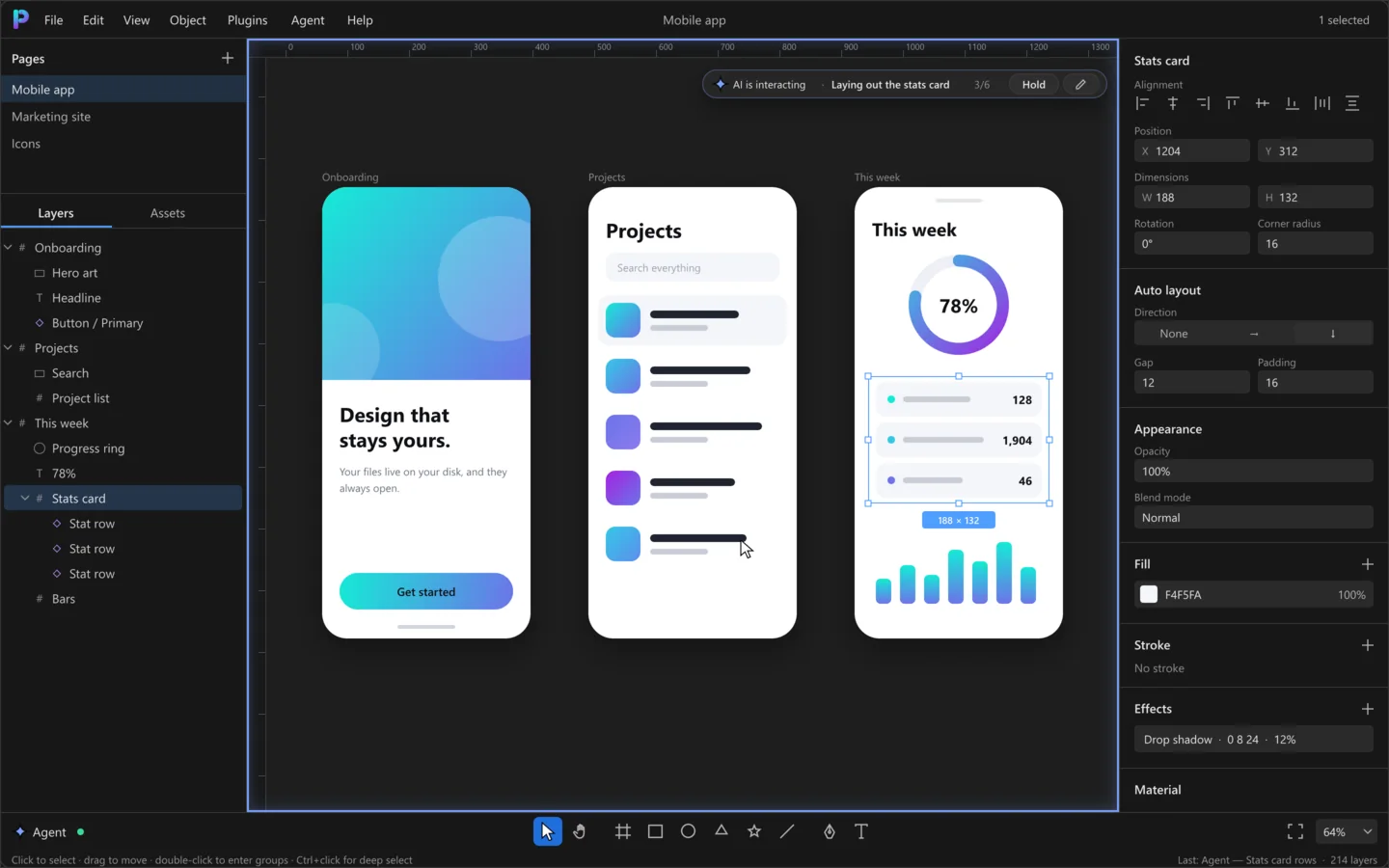
Polyform runs an MCP server inside the app. Claude Code, Codex, Gemini or any MCP client edits the open document while you watch, and only with the permissions you grant.
> make the stats card three rows,
    12 px apart, and check it

● get_document  Mobile app · 3 pages
● set_step  "Laying out the stats card"
● set_selection  Stats card
● edit_document  3 rows · gap 12
    ✓ one undo: "Stats card rows"
● get_node_image  looking at the result

  Done. Three rows, 12 px apart.
  Press Hold in Polyform to stop
  me between steps.

> _Fill
Reading, seeing, selecting and editing are separate permissions. Editing starts off, and you can revoke any of them mid-session.
A frame around the canvas and a chip that says what it is doing, step by step. Press Hold and it waits for you.
Each agent batch lands as one labelled entry in history, marked AGENT. Step back through it like your own work.
003The editor
Everything a working designer reaches for daily, on a Rust and WebGPU engine that stays fast when the file gets big.
Branch a point three ways, knife a shape in two, then paint each area its own colour.
HarfBuzz-grade shaping in the core: text lays out the same on every machine.
Edit the master and every instance follows.
Rows and columns with gap, padding and alignment that move your layers for you.
13 built-in materials plus your own WGSL shaders, saved inside the project like any other asset.
 iridescent
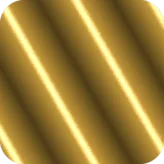 foil
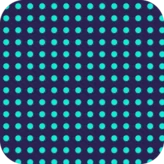 dotgrid
WebGPU draws 100,000 shapes at 60 fps in one draw call.
0.18 ms
CPU per frame · 100k shapes
004Games
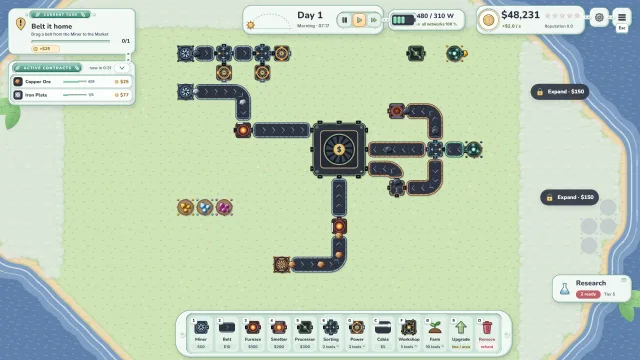
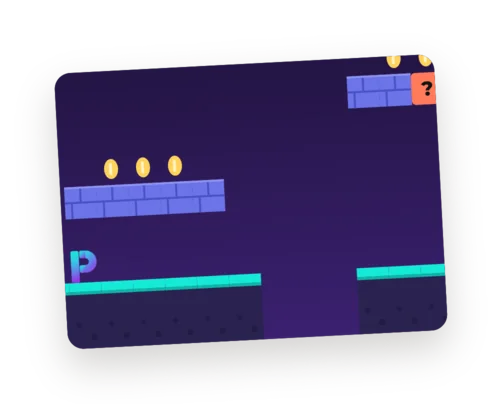
Level art, UI and promo graphics in one tool. A tilemap holds ten thousand tiles as one layer, so a whole level stays light, and an agent can paint it for you.

One TILEMAP layer: 234 cells, painted from these five tile components.
005Made in Polyform
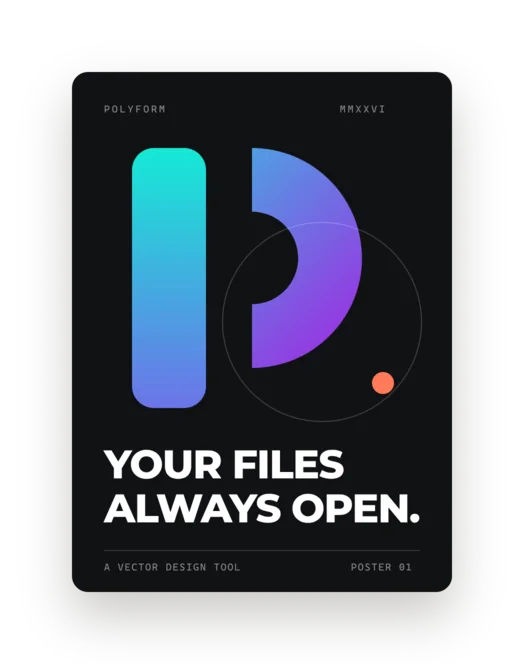
Everything on this page was drawn in Polyform, including this page. Wireframes, posters and game levels live in the same file.
# Wireframe — 1696 × 1060

# Poster — A3
# Night shift — one tilemap
006Showcase
Case studies of work made in Polyform, with the pictures and the story behind each one.
Download Polyform: editing is free during the beta, until 1.0. Your first project is a folder you can open forever.